It always seems to happen at the worst moment. You sit down to fill out a government job application, pay a utility bill, or access an important scheme, and then it hits you: you cannot remember your login details. The portal is right there, but you are locked out. If this sounds familiar, you are not alone. Thousands of Rajasthan citizens face this exact situation every week, and the good news is that the recovery process is far simpler than most people expect.
This guide will walk you through every available method to recover your Rajasthan Single Sign-On login credentials, whether you have forgotten your username, your password, or both. By the time you finish reading, you will know exactly what to do and which method suits your situation best.
Why Credential Recovery Feels Confusing at First
The Rajasthan SSO portal serves as a gateway to over 100 government services, which means it holds significant access. Because of this, the portal uses multiple layers of verification to confirm your identity before restoring access. At first glance, this can feel like an obstacle. In reality, it is a security feature working in your favor, ensuring that nobody else can reclaim your account by pretending to be you.
The key to a smooth recovery is understanding which information the system will use to verify you. During registration, you linked your account to an identity document, which could have been a Jan Aadhaar card, an Aadhaar number, a Google account, or for government employees, a SIPF number. That same document is what the portal will ask for during recovery. If you know which one you used, the process becomes straightforward.
Recovering Your Forgotten Username
Your SSOID is the unique alphanumeric username you created when you first registered. If you have forgotten it, there are two reliable ways to get it back.
The first method works entirely through the portal. Open the official Rajasthan SSO login page and look for the link that reads “I Forgot My Digital Identity.” Clicking it takes you to a dedicated recovery page. Here, you will need to select the type of user you are, either Citizen, Udyog, or Government Employee. After selecting your category, the portal will ask you to enter the document number you used during registration. Enter the relevant details, complete the captcha, and submit. An OTP will be sent to your registered mobile number. Once you validate that OTP, the system will display your registered username or send it to your linked email address.
The second method is even quicker and works without opening a browser at all. From your registered mobile number, send an SMS with the text “RJ SSO” to 9223166166. Within moments, the system will send your username back to you via SMS. This is particularly useful when you are away from a computer or when the portal is experiencing slow load times. One important note: this SMS method only works if you logged in to your account at least once after September 2018. If your account predates that and has never been accessed since, the online recovery method through the portal remains your best option.
Resetting a Forgotten Password
Losing your password is the more common problem, and the portal offers three distinct ways to reset it. Each method suits a different situation, so choose the one that works best for what you have available.
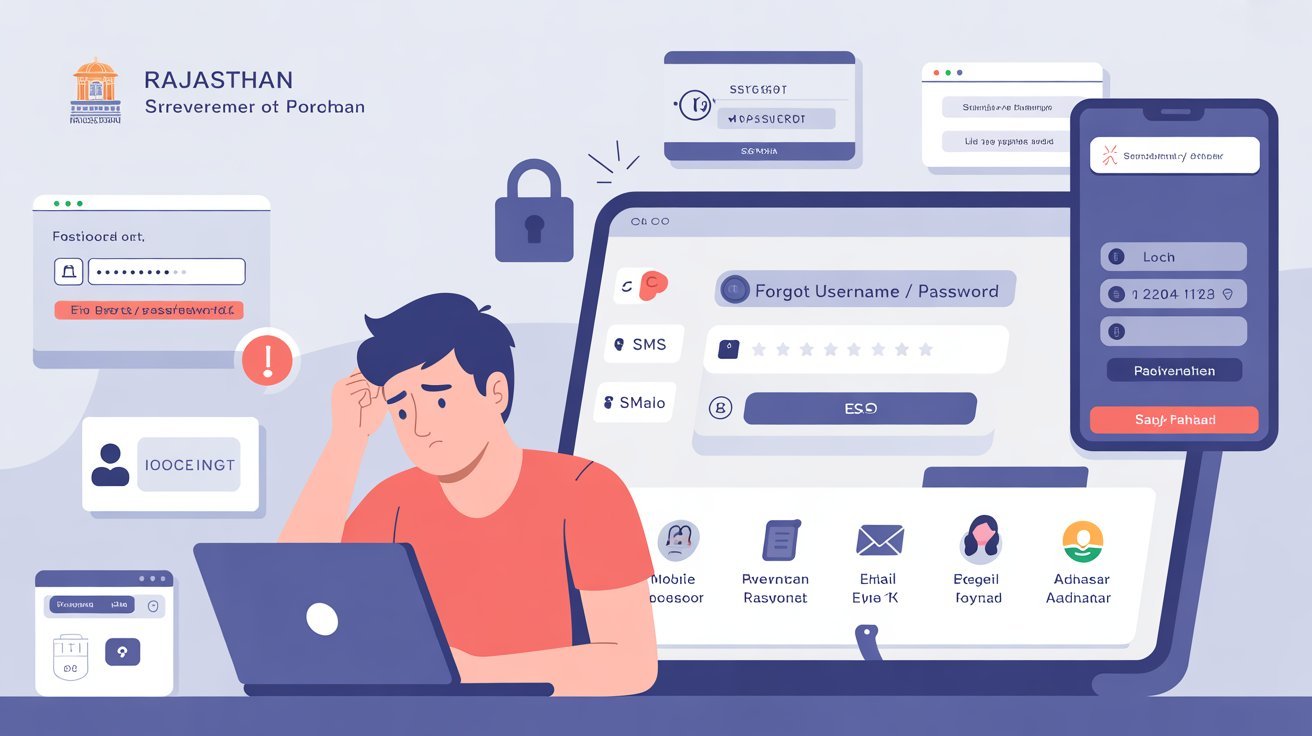
The most widely used method is recovery via your registered mobile number. On the login page, click “Forgot Password.” You will be asked to enter your username first, then select the mobile number option. Provide your registered phone number, fill in the captcha, and click Submit. A reset link or OTP will arrive on your mobile. Enter the OTP, follow the on-screen prompts, and create a new password. The entire process takes under three minutes.
If your mobile number is no longer active or you prefer a different channel, the email recovery method works identically. Instead of selecting mobile, choose the email option on the same recovery page. Enter your registered email address, complete the captcha, and submit. A reset link will arrive in your inbox, sometimes in the promotions or spam folder if your email provider filters it. Click the link and follow the steps to set your new password.
The third method uses your Aadhaar ID or Virtual ID for verification. On the password recovery page, select the Aadhaar option, enter your Aadhaar number alongside your username, and complete the captcha. A verification link will be sent to your linked mobile number through the Aadhaar-registered channel. This method is particularly reliable for users whose registered email is no longer accessible and whose mobile number may have changed.
There is also the SMS shortcut for password resets. Send the text “RJ SSO PASSWORD” from your registered mobile number to 9223166166. You will receive a message with instructions to reset your password without needing to visit the portal. This is ideal in situations where you need quick access but cannot easily navigate a website.
What to Do When OTPs Are Not Arriving
This is one of the most common points of frustration during recovery. If your OTP is not arriving, wait at least two full minutes before requesting another one. The network can sometimes delay delivery, and requesting multiple OTPs in rapid succession can create conflicts. Check your signal strength, and if you are in a low-coverage area, move to a location with better reception before trying again.
Also confirm that the mobile number or email address you are entering matches exactly what was registered with the portal. A single digit difference means the OTP is going to a different number. If your registered mobile number has since been deactivated or lost, contact the DoIT&C helpdesk, which is accessible through the Help section of the SSO portal. They can assist with account-specific issues that the automated recovery system cannot handle.
After You Regain Access
Once you are back in, do not log out and hope for the best next time. Update your profile immediately to ensure your current mobile number and email address are listed. This single step will make every future recovery attempt completely painless. Also consider setting a password that is strong but memorable, using a combination of uppercase letters, lowercase letters, numbers, and at least one special character, something like a phrase you will not forget rather than a random string you will inevitably lose track of.
Many users also benefit from noting their SSO ID in a secure location, whether a password manager or a private note on a trusted device. Your username does not change, and unlike your password, it never expires.
A Final Word on Account Security
The fact that Rajasthan’s portal requires document-based verification to recover credentials is not a flaw in the system. It is what stops someone else from locking you out of your own account. Every method described here, whether SMS, email, Aadhaar, or online recovery, exists to return access to the rightful owner as quickly as possible without compromising the safety of the account.
Getting locked out is an inconvenience, not a crisis. Follow the steps above in sequence, choose the method that matches your situation, and you will be back on your dashboard in minutes.